News
TV Solutions
LIVE Solutions
Services
About us
Event
News
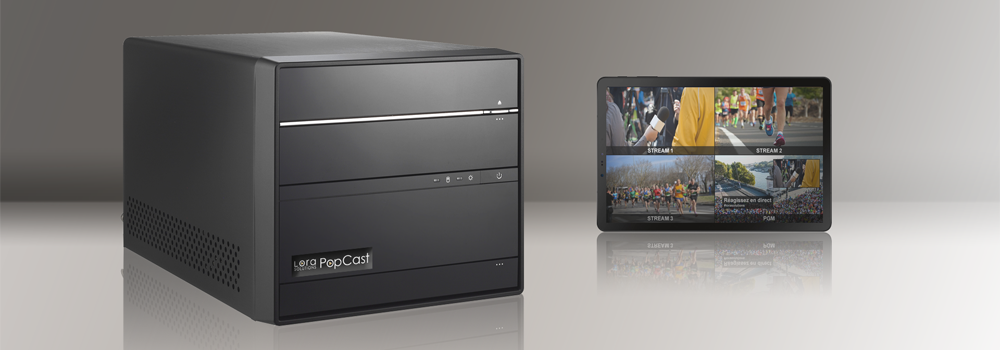
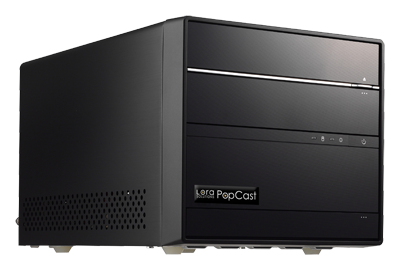
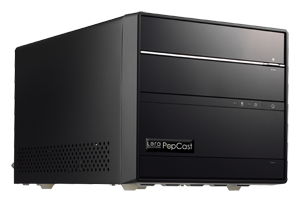
LORA POPCAST
LIVE PRODUCTION FITTING ALL YOUR EVENTS
Production server with built-in-mixer
SDI, IP, NDI streams and video calls as external feeds
Multimedia files playback: video, still picture, audio
Internal storage and CIFS, FTP or OneDrive access
Document or HMTL page display feature
Video and audio mixing
Graphics and Picture-in-Picture
Graphics templates included (CG, multiline text, logo...)
Real-time editing of on-air metadata
Chroma key management
Picture-in-Picture with one or more external feeds
Mixer tuning (size and position of inlays, volume...)
"On premise" or "Remote" control
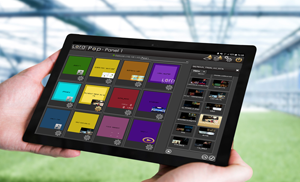
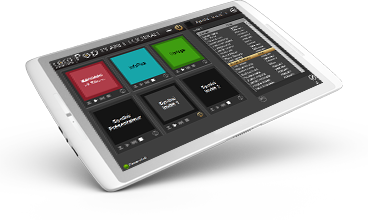
LORA Pop: an easy-to-use and intuitive tool
Available on any web browser (PC, MAC or tablet)
On site or remote access
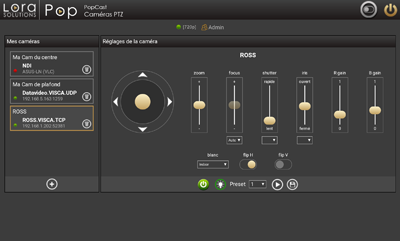
Configuration and control of PTZ cameras
Multiuser and multiclient
Multiplatform broadcast
SDI and/or IP/NDI output
Streaming to social networks (Facebook, YouTube, Twitter...)
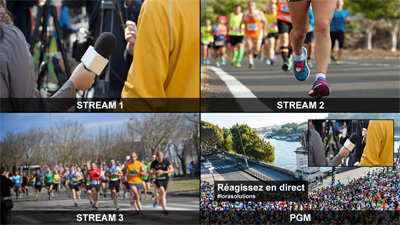
Multiview for external feeds and output, also remotely
Recording of the output video
Compatibility with Aspera transfer tools (decode-while-encode)
Tailor-made solution
Alto Package : compact desktop server, SDI included
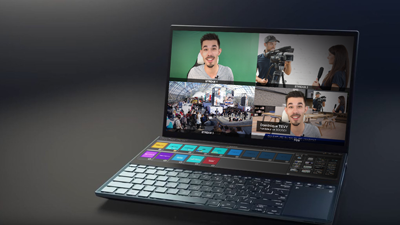
Zen Package : laptop with 2 touch screens
Customisable hardware (rackable server, storage...)
Templates or interfaces development
Preconfigured and ready-to-use